Custom
Software
Solutions
rozeweb.com
- Scope: E-commerce · Custom Shopify Storefront
A custom Shopify storefront for discovering materials, comparing finishes, exploring product details, and planning quantities across desktop and mobile.
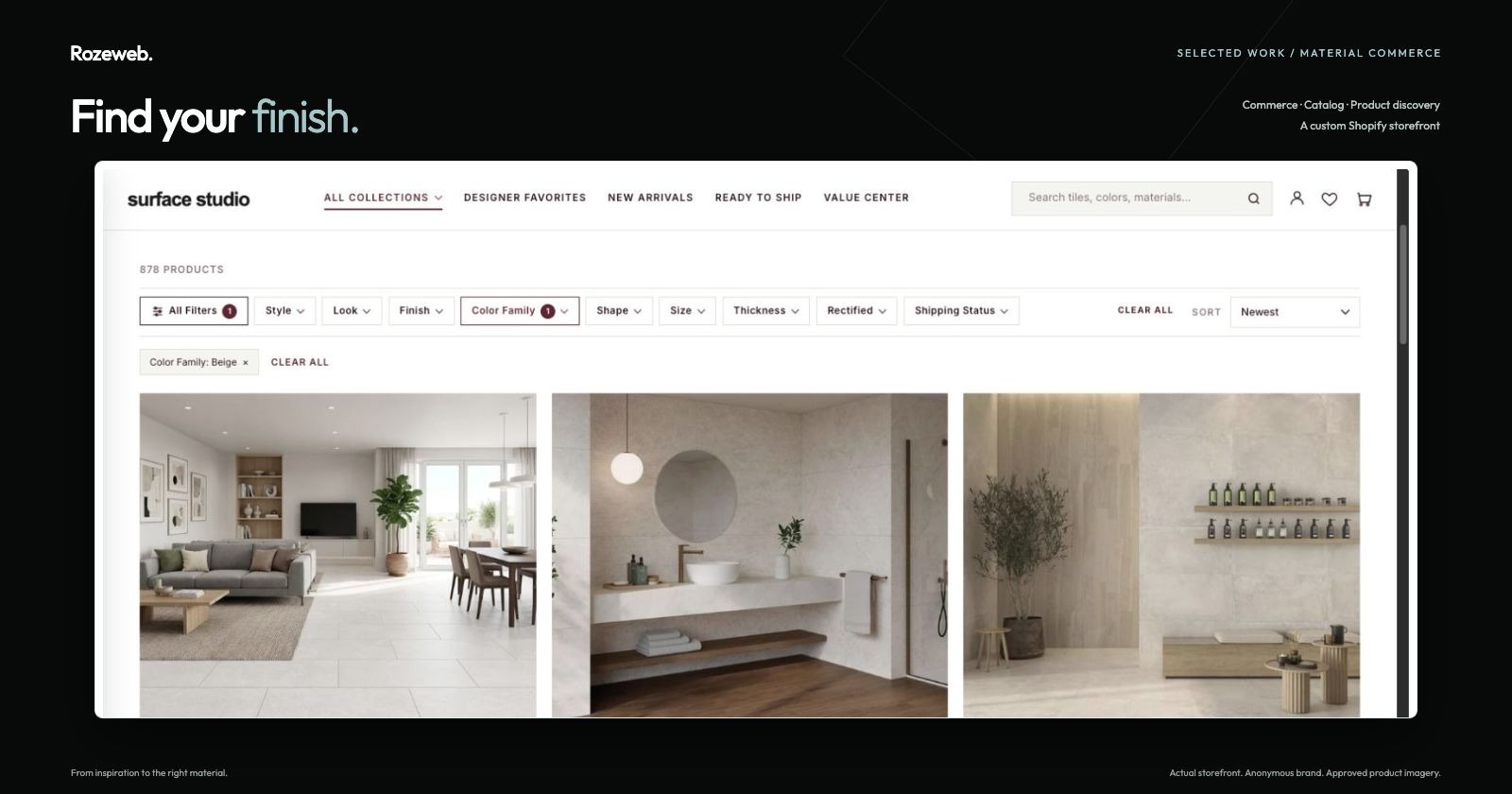
Explore the product below. Tap any screenshot to enlarge.
From inspiration to the right material. A visual storefront that brings a broad tile catalog into a clear, considered shopping experience.
The need
Help shoppers navigate materials, colors, formats, and finishes without losing the feeling of the room they want to create.
What we built
A custom Shopify storefront with visual collections, detailed filtering, product comparison, and quantity planning.
What it enables
Explore the catalog, narrow the options, and work through the details from a desktop or phone.
Start with the space.
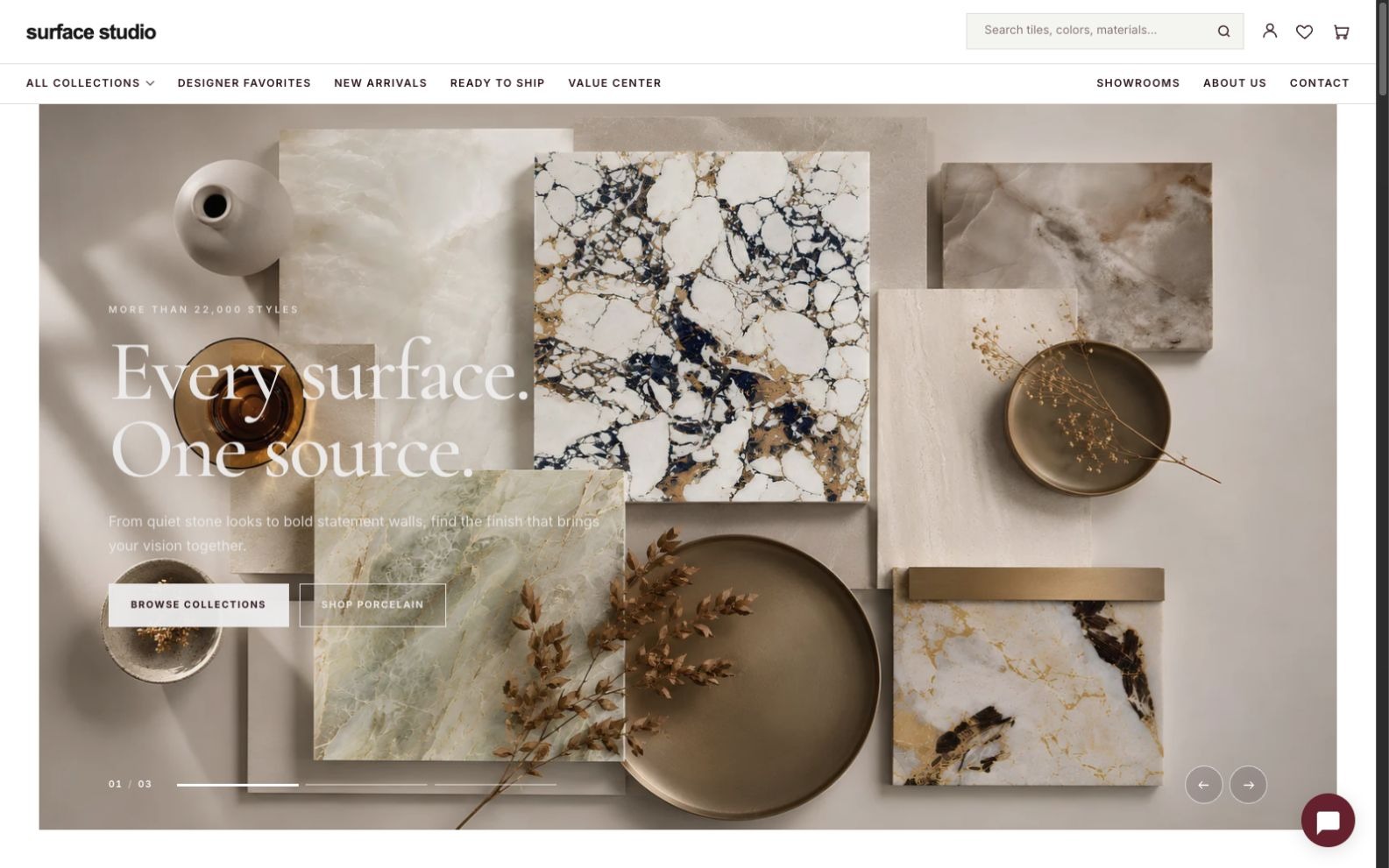
A visual introduction to the collection.
Material photography and clear collection links turn the homepage into a starting point for discovery.
A large catalog, made easier to explore.
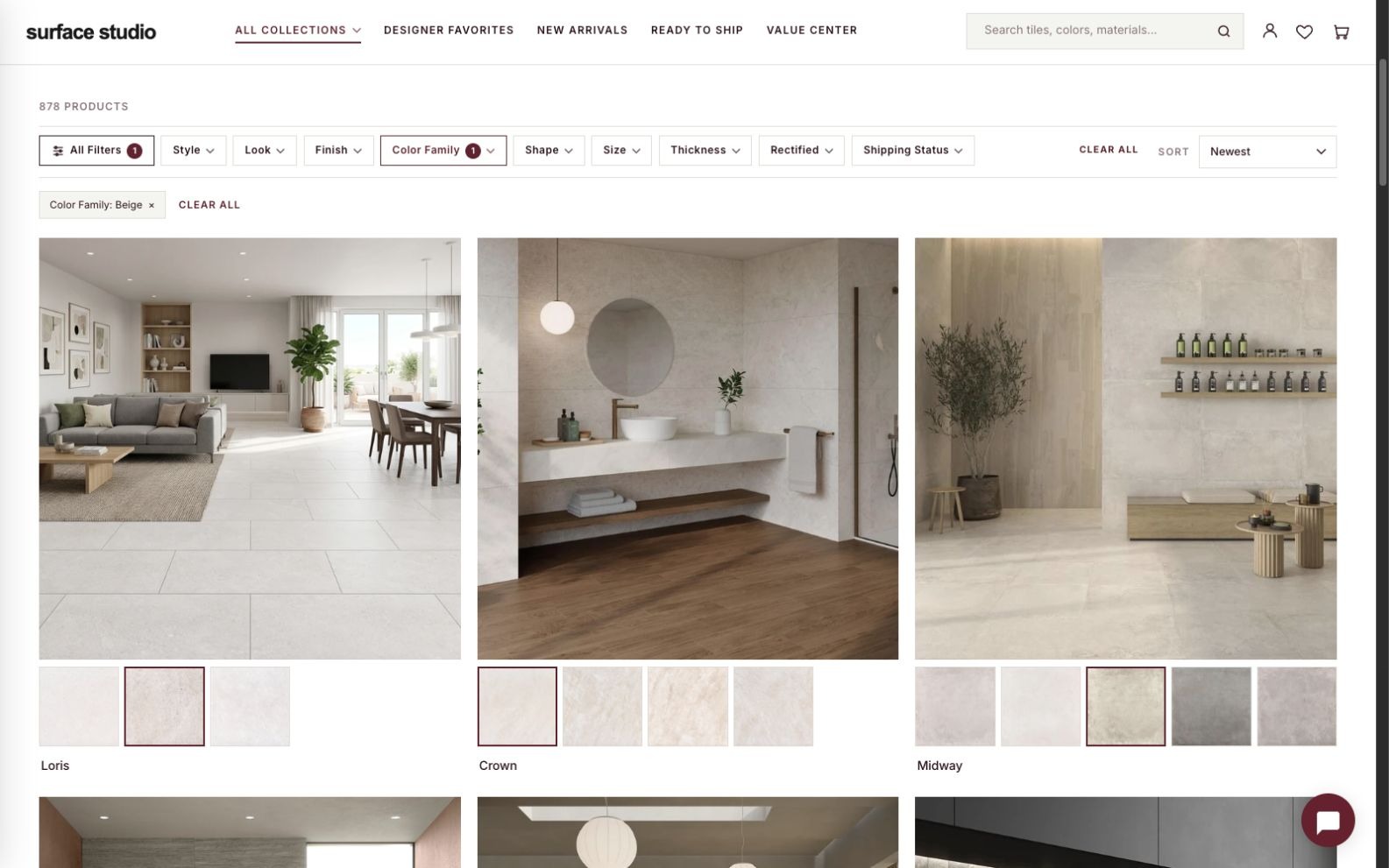
Browse by the details that matter.
See room photography, product variations, and selected filters together in the catalog.
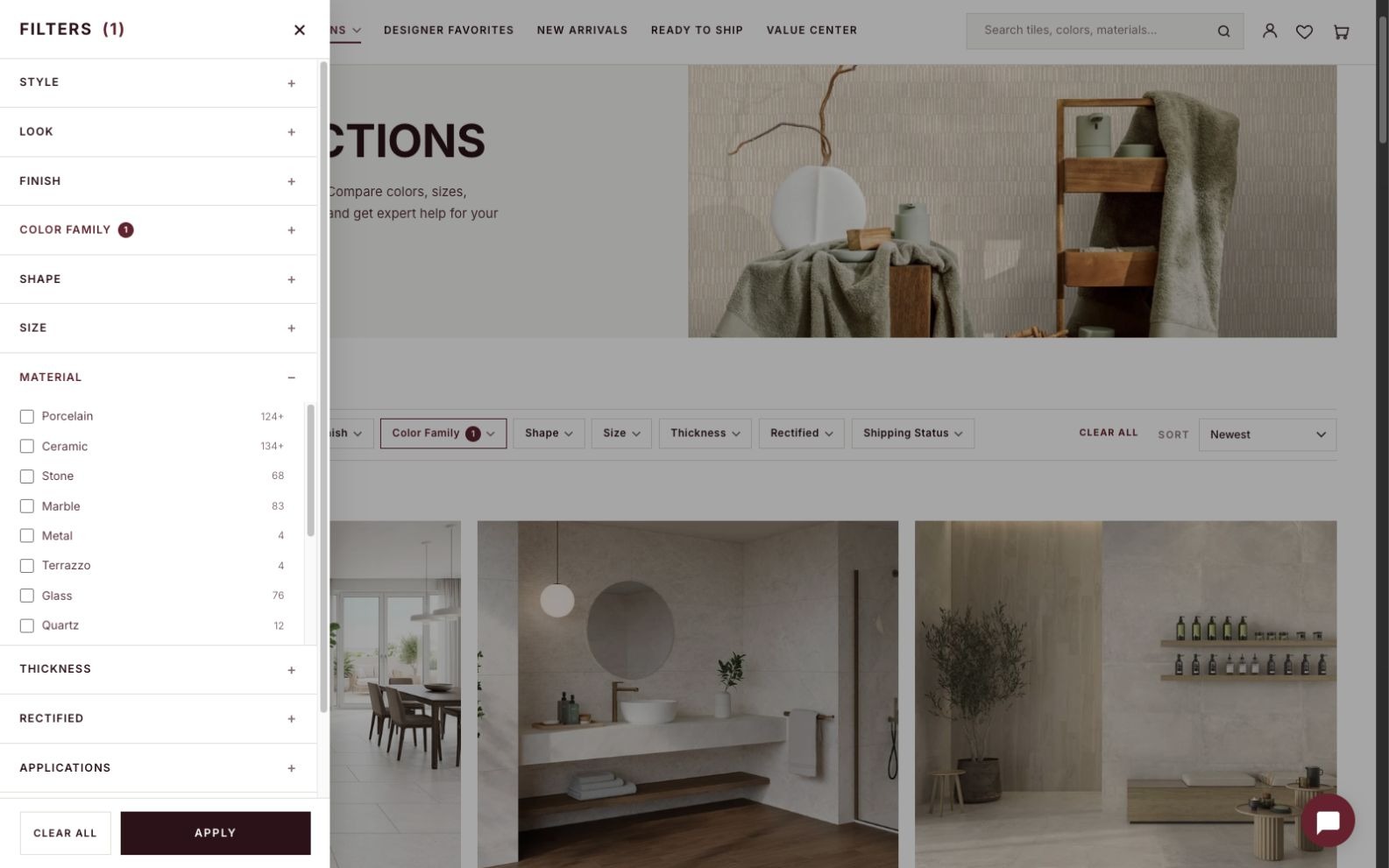
Narrow the possibilities.
Filter by material, color, size, finish, application, and technical properties.
Make the material decision.
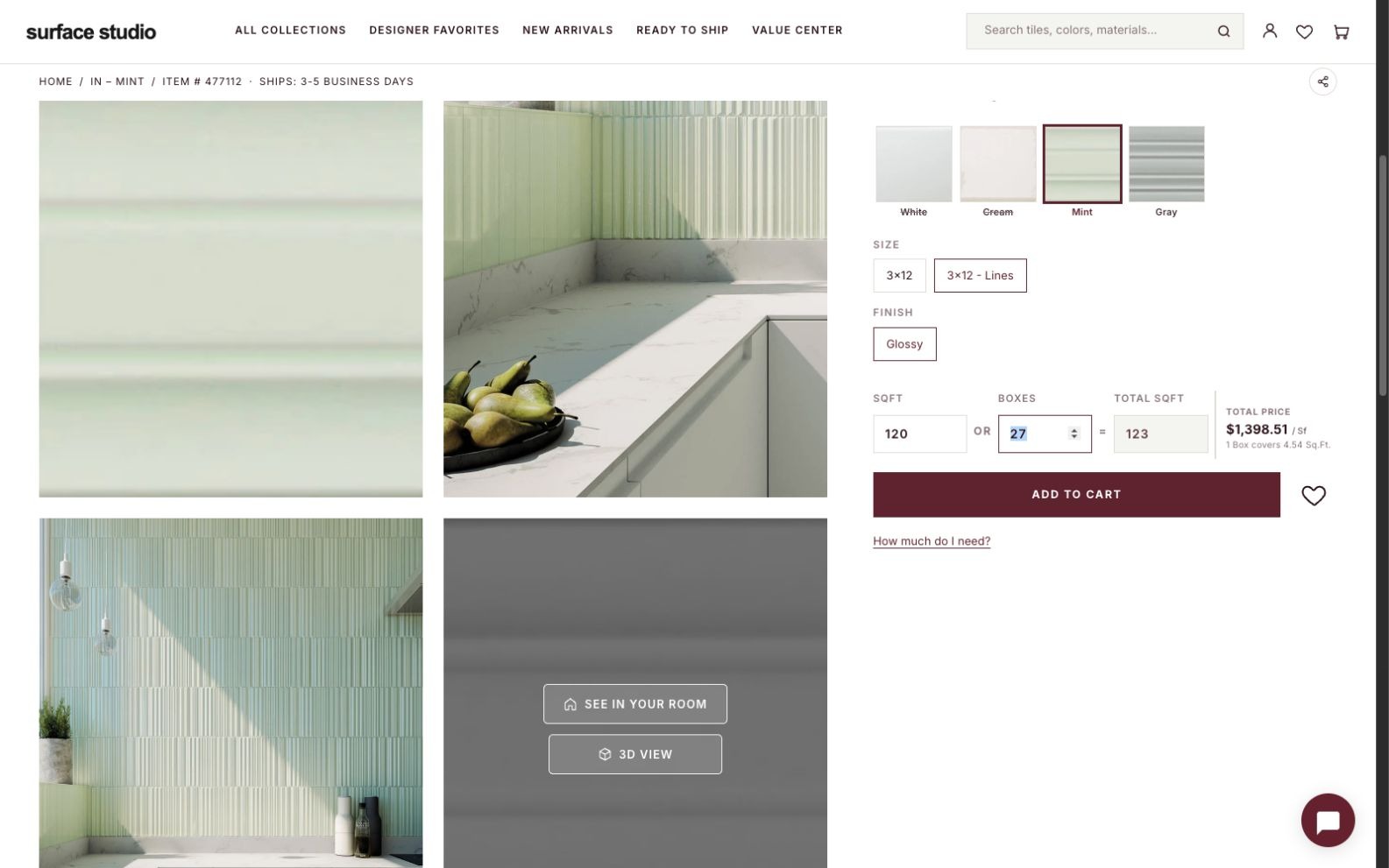
The finish, format, and context.
Explore product imagery and select the color, size, and finish alongside coverage and quantity controls.
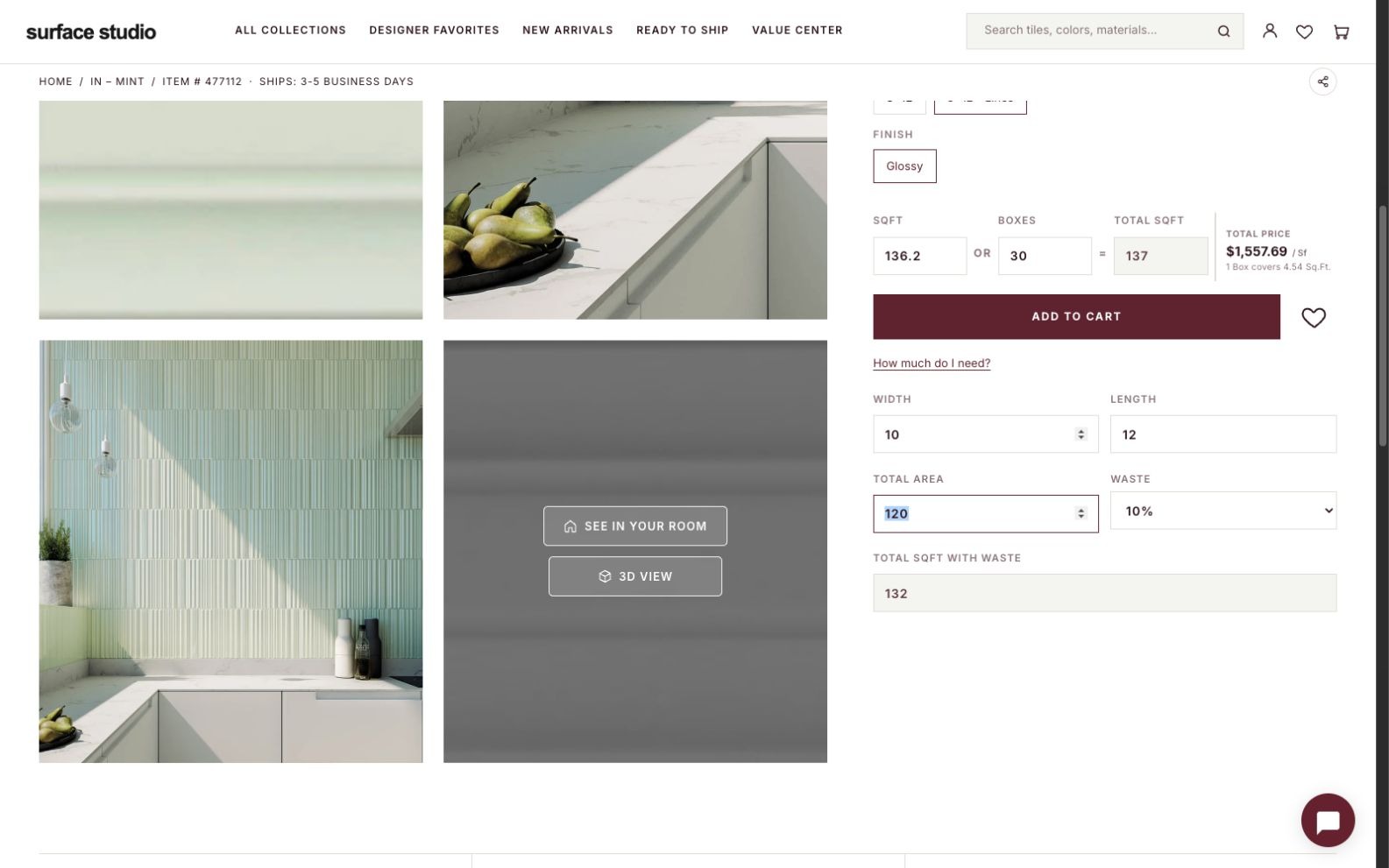
Plan the quantity.
Enter room dimensions and a waste allowance to work through area and box quantities.
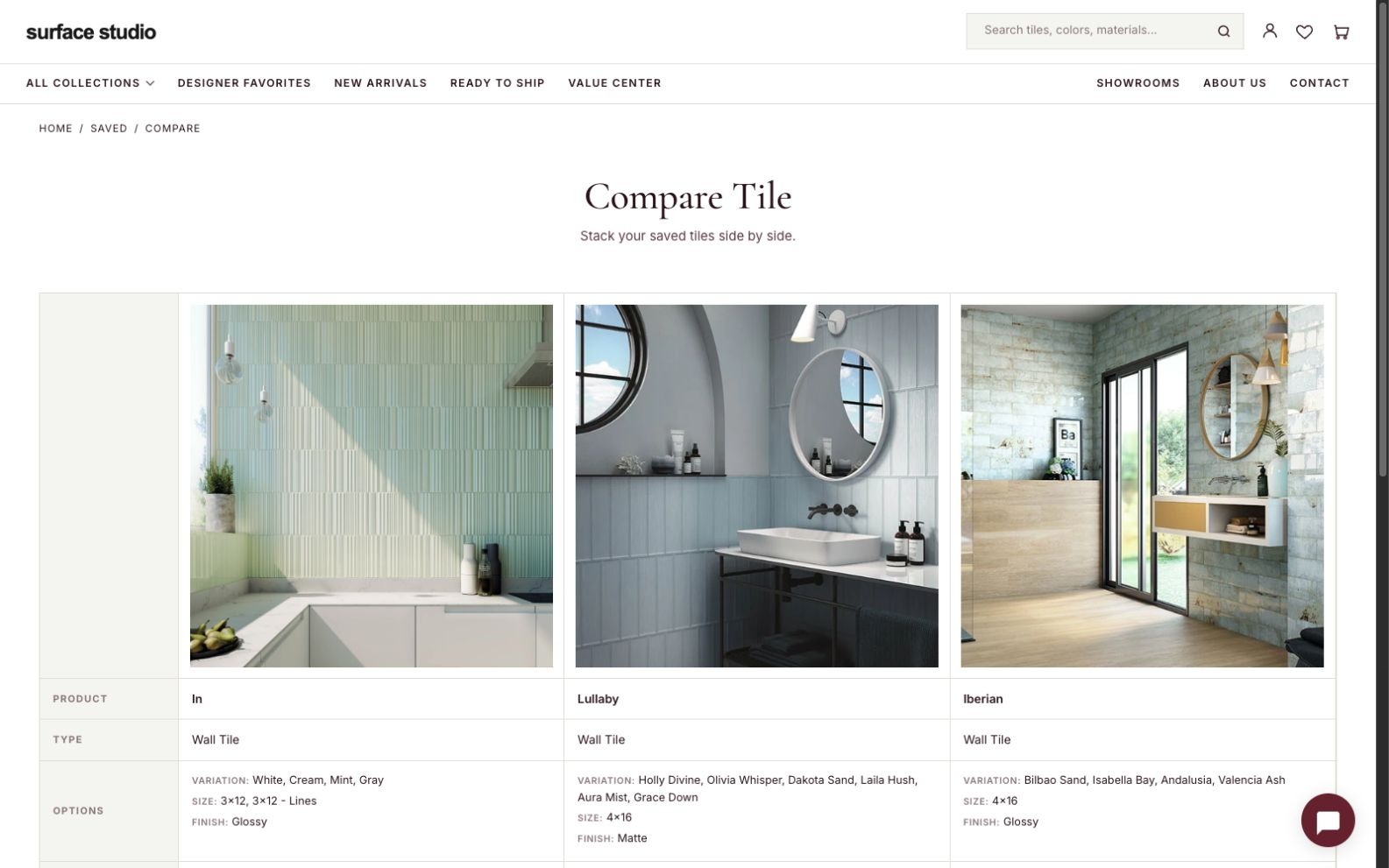
Compare the options.
Review products side by side, with photography, available variations, formats, and finishes.
The same care, on a smaller screen.
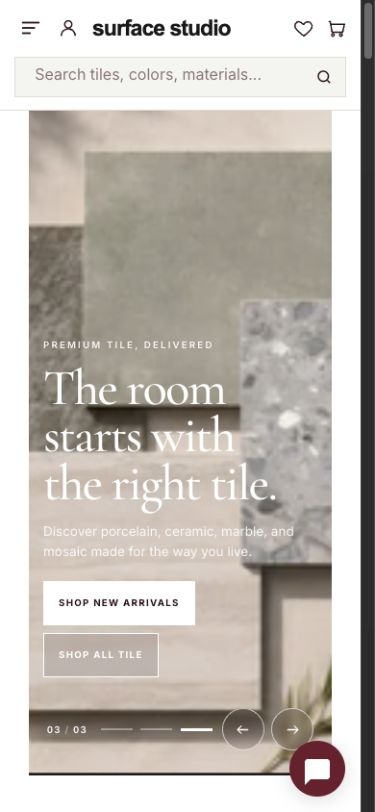
Discover.
A focused mobile entrance to the collection.
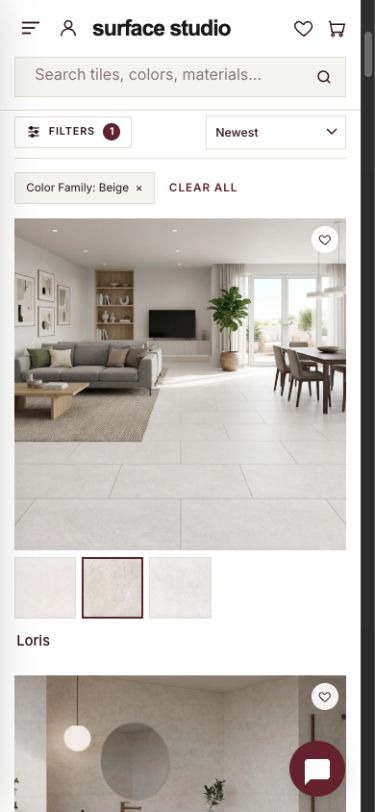
Explore.
Product imagery, variations, and filters within reach.
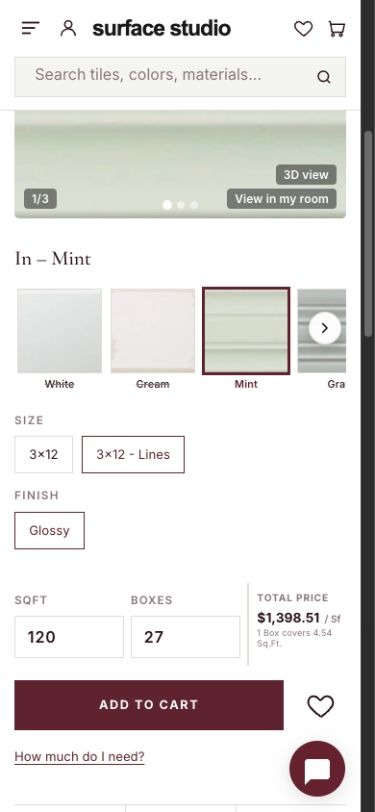
Choose.
Material options and quantity controls adapted for a phone.
Actual storefront screens captured from the application running locally. Surface Studio is a demo identity. Real products and product photography are shown with permission. Client identity and the live storefront link are withheld.
Start by showing us where the friction is.